01
Walk it. Talk it.
Capture a walkthrough, snap a photo, or leave a voice note. Keep the details with the job.
Capture the detailsBuilt for the work you do
You didn’t get into the trades to sit behind a desk. Keep your jobs, plans, and money moving — with an assistant that speaks your language.
“How’s the Miller job looking?”
From first visit to final invoice.
For the people
who get it done.
01 / Your everyday toolkit
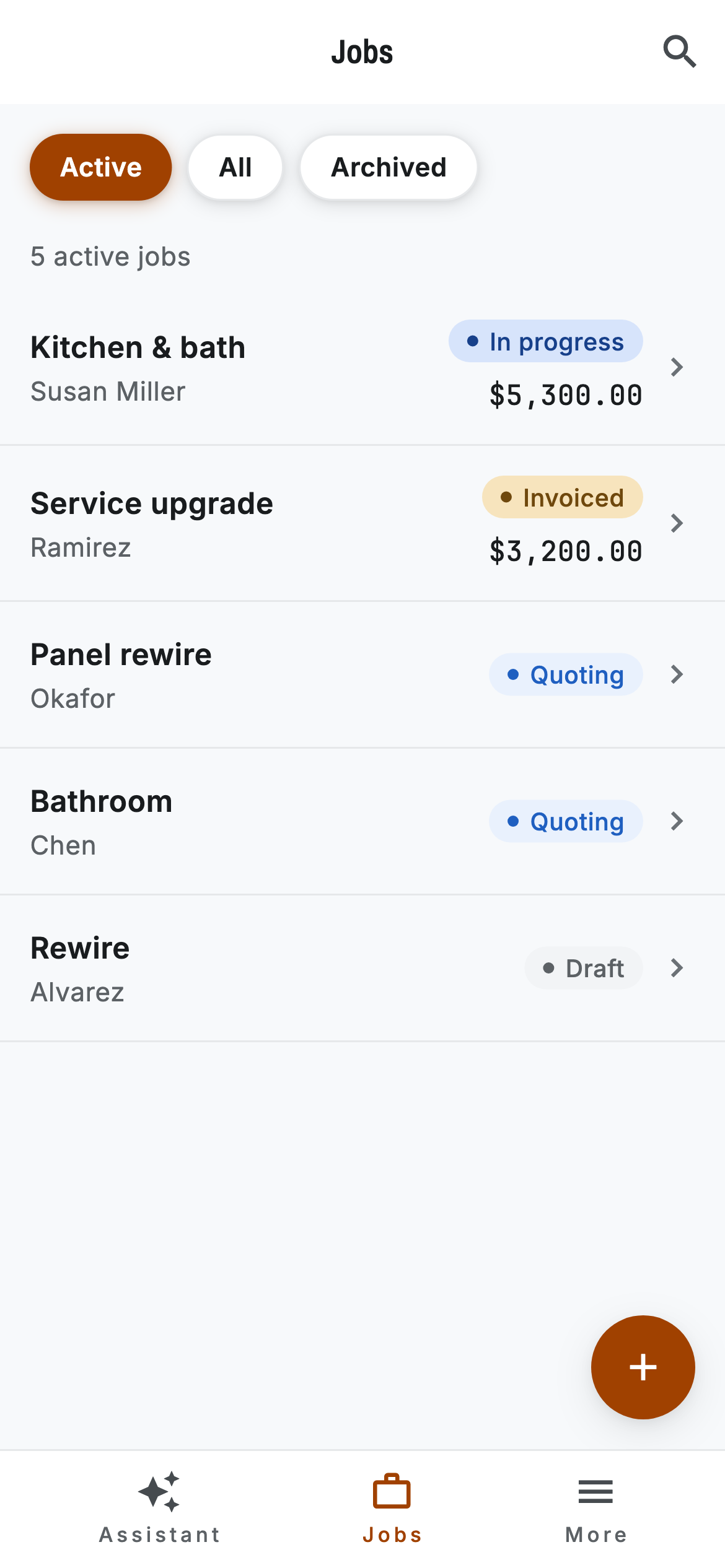
A notebook here. A receipt there. A quote somewhere in your messages. Bring it all back to the job it belongs to.
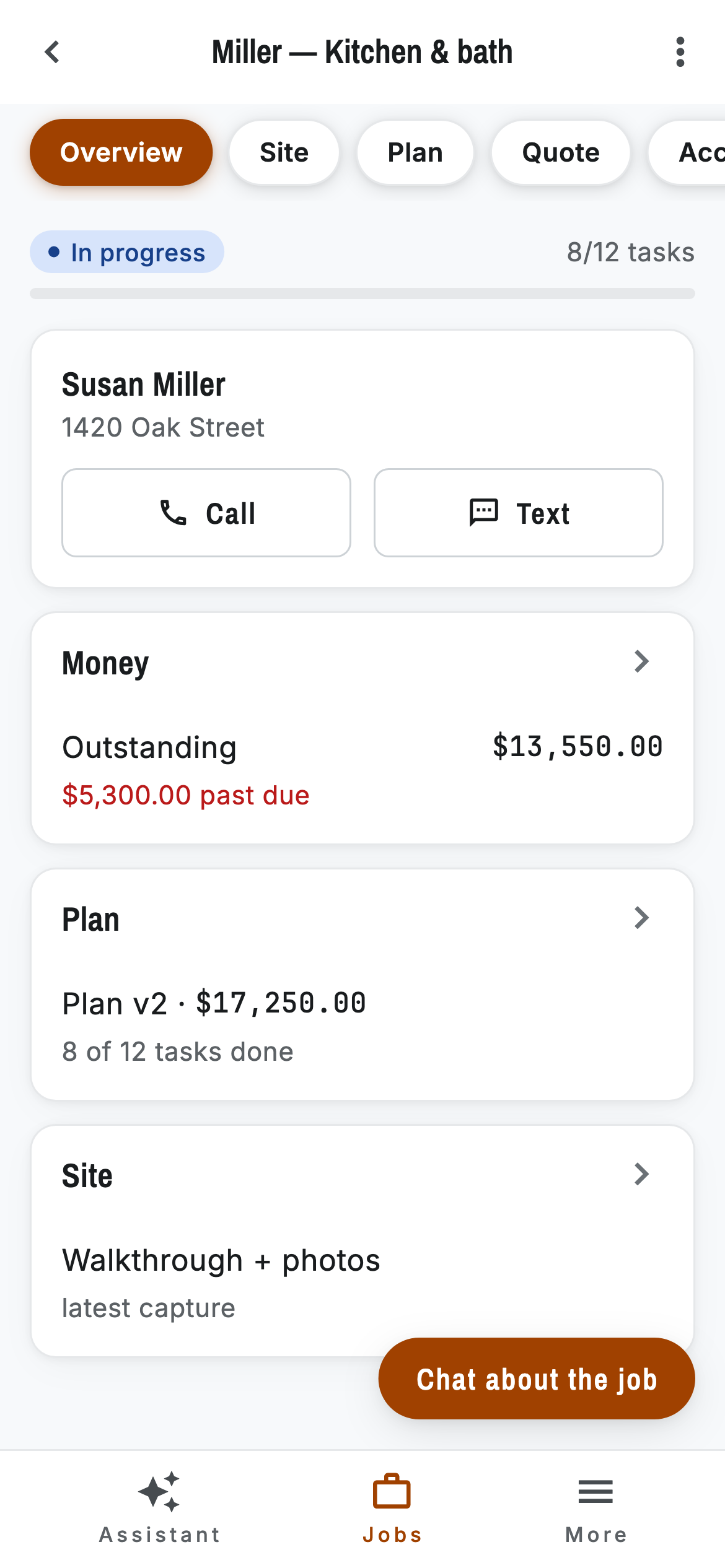
From the first conversation to the final invoice, every job has a home. Know where things stand before you even step on site.
Actual app screens. Sample project data.
02 / An extra pair of hands
Hands full? Talk it through. Capture what happened, ask about a job, or get an invoice ready. Your assistant keeps up.
“What’s outstanding on Miller?”
Miller has $13,550 outstanding. Here’s what needs your attention.
Kitchen & bath · Susan Miller
Sample conversation · no microphone or account needed
03 / From boots on site to books in order
Built around the way you work. A little less admin at every step, so the job keeps moving.
Capture a walkthrough, snap a photo, or leave a voice note. Keep the details with the job.
Capture the detailsTurn site information into a task list. Build an estimate, review your prices, and make it yours.
Plan and estimatePrepare the invoice, track what’s outstanding, and keep receipts in reach. Close the loop on every job.
Invoice and track04 / Good questions
Independent tradespeople who run the job and the business. RuggedPro brings client details, site notes, plans, estimates, invoices, and expenses into one place.
No. Talk when it’s convenient, type when it isn’t, or use the app’s screens directly. Voice is another way to get things done.
You review and confirm actions that move money or share something with a client. Drafts do not automatically send, and proposed changes stay clearly marked until you confirm.
Yes. The previews are captured from the RuggedPro Ops mobile app, using sample jobs and demo data. The interactive conversation on this page is a guided example.
RuggedPro Ops is in development. This site gives you a look at the current app; public downloads and pricing haven’t been announced here yet. Explore the product tour to see what’s being built.
Built for your kind of busy.
Meet the app that helps you do both.
Your work. Your call. RuggedPro.